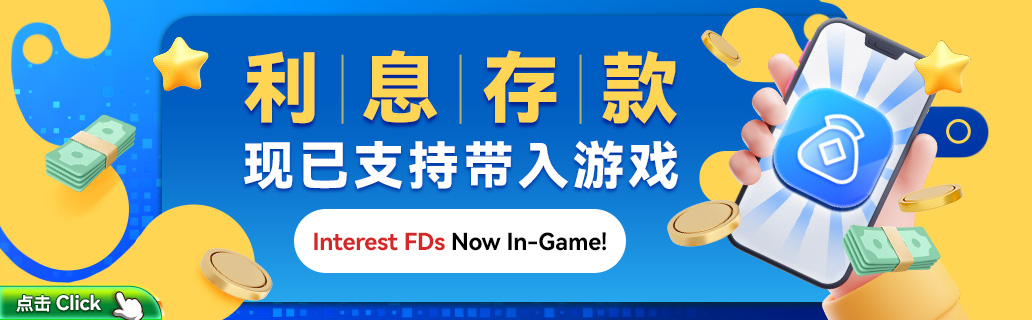
Seamless FD Balance Usage Across All Game Categories |
|---|
|
The Interest FD feature on star8web.com allows Star8 Sign In users to bring their Interest FD balance directly into games, including Slots, Live, Sports, Lottery, Fishing, and more. This upgrade ensures your Interest FD funds are instantly usable inside gameplay without separate transfers, creating a smoother and faster gaming experience. |

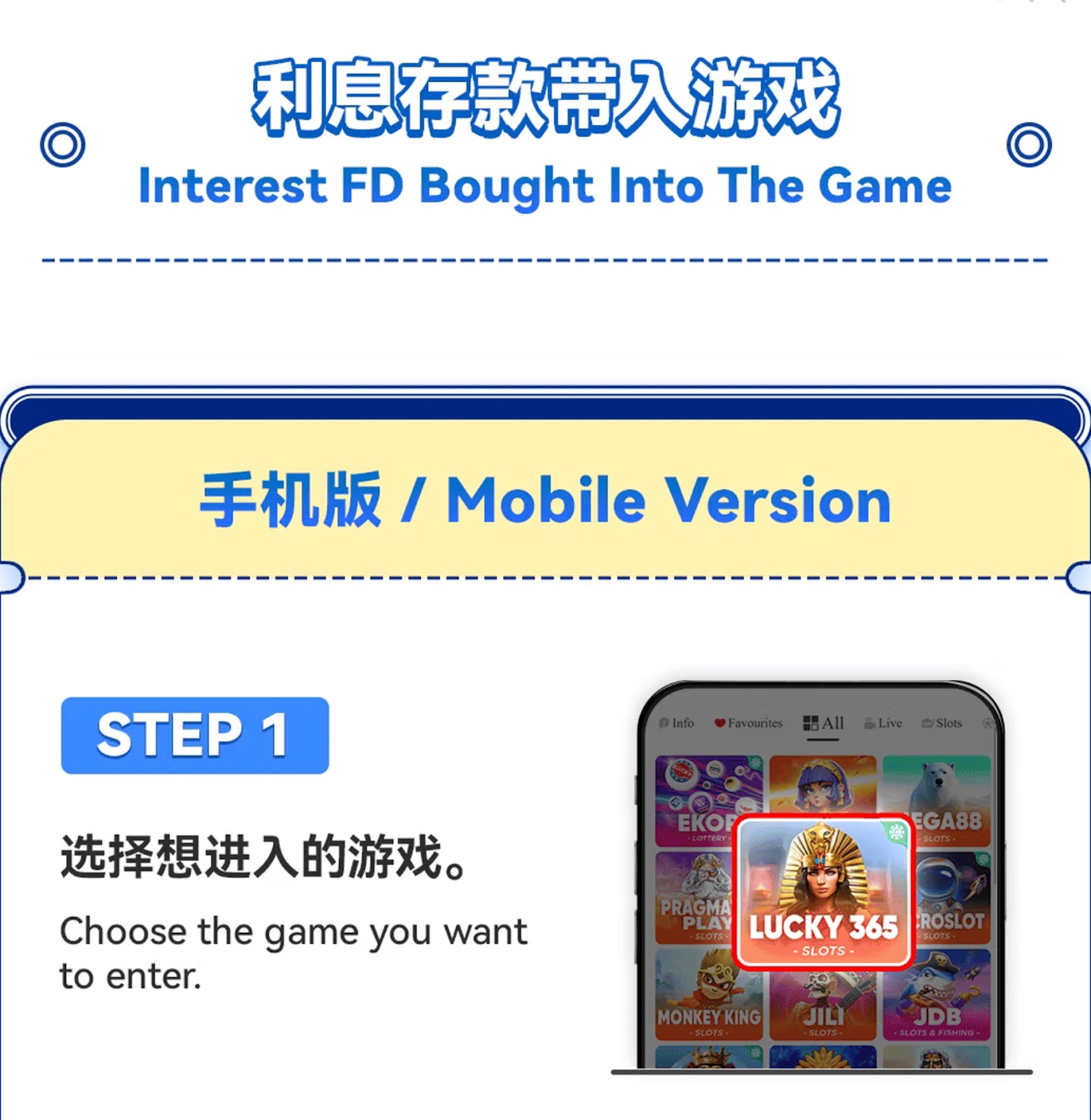



Step 1 – Open the Game Hall |
|---|
|
Log in using Star8 Sign In on star8web.com and navigate to the mobile game lobby. |
Step 2 – Select Your Preferred Game |
|---|
|
Choose any supported category such as Slots, Live, or Fishing. |
Step 3 – Enter Your Selected Game Room |
|---|
|
Tap the game you want to play; the system will load the game interface. |
Step 4 – Choose "Interest FD" Balance |
|---|
|
Inside the balance selection window, tap the option to use Interest FD as your in-game chip source. |
Step 5 – Start Playing |
|---|
|
Once Interest FD is selected, your in-game balance will synchronize instantly, allowing you to enjoy uninterrupted gameplay. |
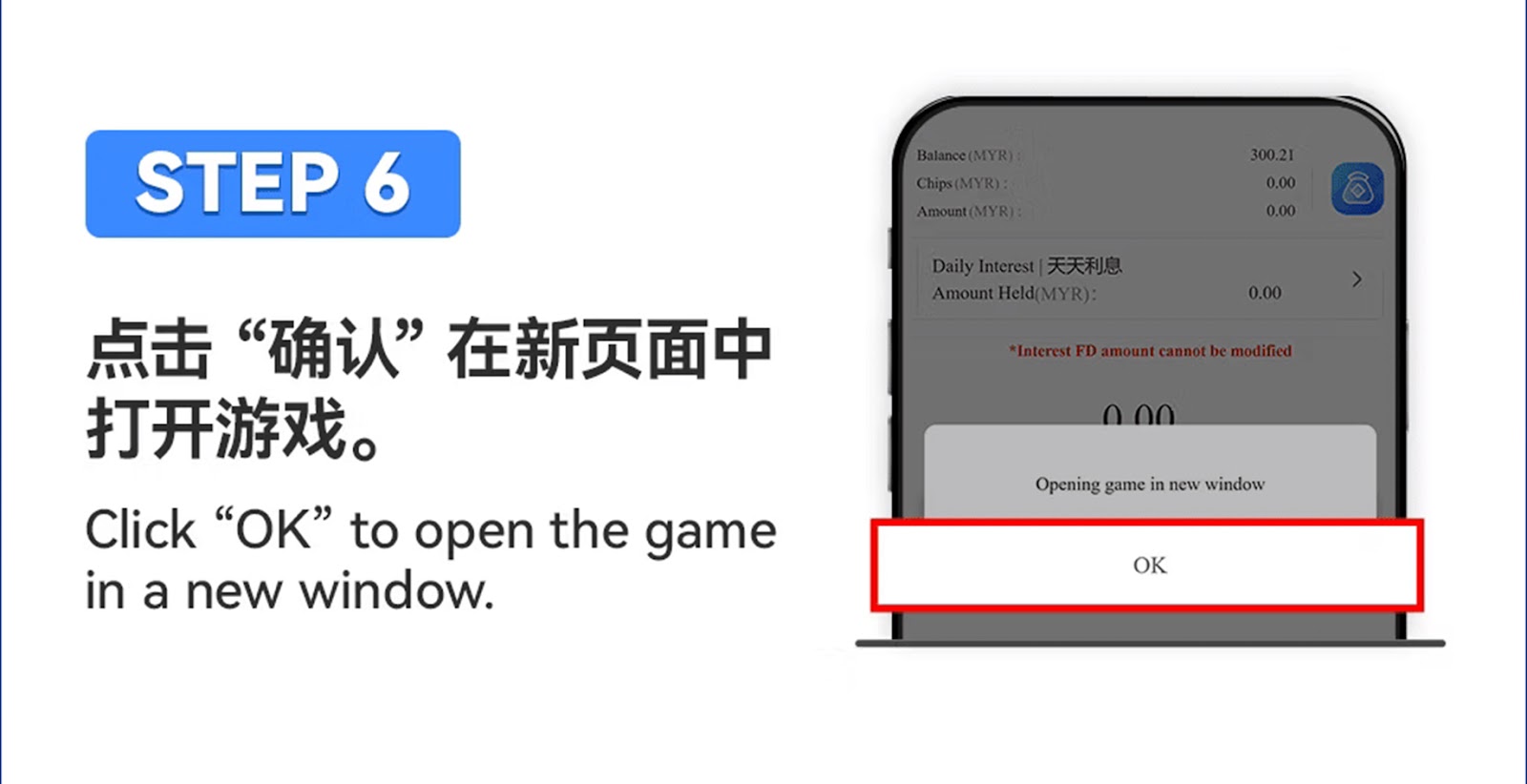
Step 6 – Important Usage Notes |
|---|
|
If your Interest FD balance is insufficient during gameplay, the system may deduct from other balances depending on the game type. Winnings will be returned to your main wallet after settlement. |


Step 1 – Enter Star8 Login Page |
|---|
|
Open star8web.com from your browser and log in using Star8 Sign In with your registered account. |
Step 2 – Access the Game Lobby |
|---|
|
Once logged in, navigate to the PC version game hall interface. |
Step 3 – Choose Any Game Category |
|---|
|
Select Slots, Live Casino, Sports, or any game type that supports Interest FD. |
Step 4 – Select Interest FD Balance |
|---|
|
When prompted to choose a balance source, click "Interest FD" to bring the FD amount into the game. |
Step 5 – Begin Gameplay |
|---|
|
Your game balance will refresh to include your chosen Interest FD amount. You may now play normally. |
Interest FD Settlement Rules |
|---|
|
Interest FD balance may temporarily drop to 0 during game settlement calculations. After settlement, winnings or remaining interest FD funds will be added back to your wallet accordingly. |
Exit Game Before Settlement |
|---|
|
If you exit a game before settlement finishes, your FD balance may not immediately update. The system will process winnings or balance deductions once settlement completes. |
FD Amount Cannot Be Modified In-Game |
|---|
|
Interest FD balances are fixed while in use. Only subscription or redemption on star8web.com can change the original FD amount. |
Experience seamless gameplay with automated Interest FD balance integration. Log in with Star8 Sign In and explore Interest FD features across all supported games today.
Go to Interest FD Page
As a leading international online gaming company, Star8 proudly features world-class game information experts, a helpful and experienced customer service team, and a professional marketing and state-of-the-art technical team. This collaborative effort ensures that our customers, with Star8 at the forefront, can indulge in the ultimate gaming experience within a safe and secure environment. We prioritize the satisfaction and safety of our players through the combined expertise of our dedicated teams













 CN
CN
 EN
EN BM
BM